Course Overview
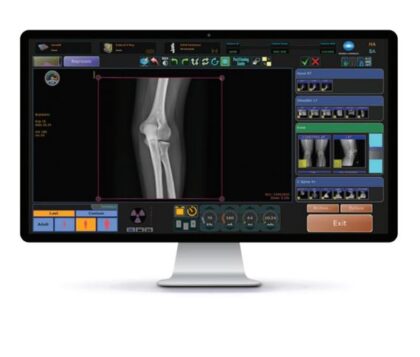
Learn the new features and changes introduced with the release of Ultra 6.0 Acquisition Software. The main improvements of this version of Ultra are related to cybersecurity.
NOTE: The method of logging into Ultra with Service/admin permissions has changed, which is explained in this training.
Course Contents
- Introduction of User Roles in Ultra
- Removal of hardcoded administrator password
- How to install, license and use the Service Login and Password Reset Utility to generate valid service credentials and reset users’ passwords
- TLS 1.2 Implementation for DICOM Send
- TLS 1.2 Implementation for DICOM Modality Worklist
- Ultra PHI and sensitive data encryption
- Digitally signed OpalUAI.xml configuration file to prevent file tampering
- New ability to Import/Export custom annotations between Ultra systems
- Upgrading to version 6.0
Course Prerequisite
- Attended an in-person Konica Minolta training course containing Ultra
or
- Has completed the online self-paced Ultra AeroDR or iRay Retrofit Installation and Service Training course
Typical Time Needed to Complete Course
Approximately 45 minutes.
Author
Gregory Guido

 Global